

There are two types of people in the corporate world: those who fear Excel and those who pretend to understand it.
Let’s be honest—no one really knows how Excel works. We all just click random cells, drag formulas around, and pray the numbers don’t turn into mysterious error codes. Yet somehow, if you open an Excel sheet and start typing aggressively, you instantly look like the smartest person in the room.
Why? Because Excel is not just a tool—it’s an illusion of competence.
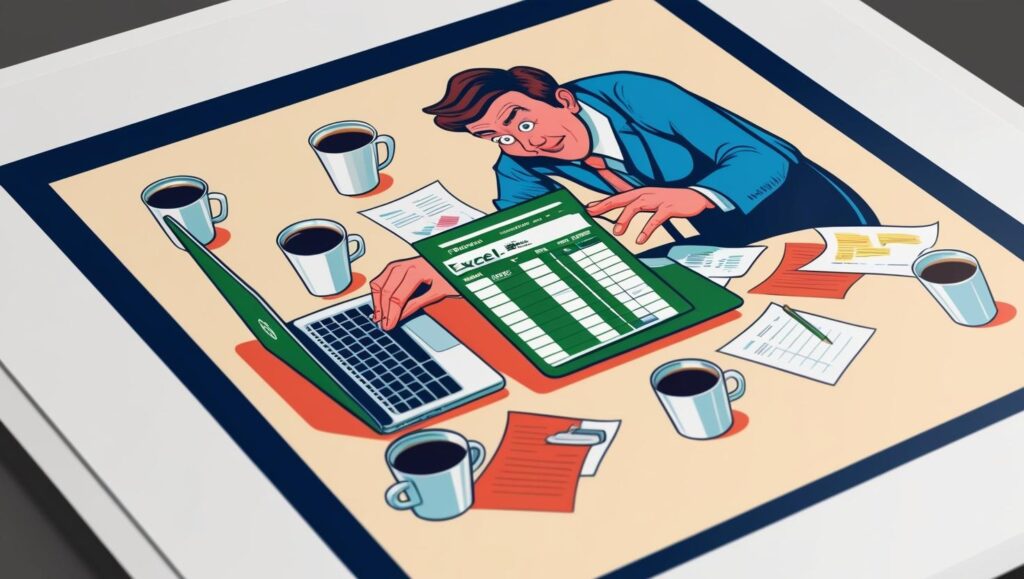
Step 1: Mastering the “Look”
The first step to looking like an Excel genius isn’t actually knowing Excel—it’s acting like you do.
🚀 Pro Move #1: The “Ctrl + Shift + Something” Trick
Smash Ctrl + Shift + Any Random Key. No one knows what it does, but it looks impressive. If something breaks, blame IT.
🚀 Pro Move #2: The “Pivot Table Stare”
Click on Insert Pivot Table, stare at your screen for 30 seconds, then nod slowly as if you’re analyzing deep financial trends. Don’t worry, no one understands pivot tables anyway.
🚀 Pro Move #3: Conditional Formatting Drama
Highlight some cells in red. It doesn’t matter why. Red = urgency. Urgency = importance. Suddenly, you’re the office’s financial guru.
Step 2: The Art of “Fixing” Someone’s Excel Sheet
When a colleague struggles with Excel, this is your moment to shine.
🧑💻 Them: “My formulas aren’t working.”
💡 You: “Did you try absolute referencing?”
🧑💻 Them: “What’s that?”
💡 You: “Here, let me add some $ signs.”
💥 Boom! You’re a genius.
(You have no idea what you just did, but neither do they.)
Step 3: Speaking Fluent Excel
To truly establish dominance, start throwing around Excel jargon.
📊 “Let’s run a VLOOKUP.” → (Even if you have no idea how it works, just saying it makes you sound powerful.)
📊 “I’ll add a macro.” → (You won’t, but no one will question you.)
📊 “It’s just a SUMIF issue.” → (A safe answer for any Excel-related crisis.)
Bonus tip: Randomly say ‘Let’s automate this.’ No one will argue.
Step 4: When in Doubt, Blame Excel
If your numbers don’t make sense, just say:
🔹 “It must be a formatting issue.”
🔹 “Excel is rounding up.”
🔹 “There’s a hidden row somewhere.”
People will nod knowingly as if Excel has a mind of its own. They’ll never question you.
Final Thoughts: Excel = Corporate Superpower
At the end of the day, Excel isn’t about math or logic—it’s about looking busy while doing the bare minimum.
Remember: You don’t need to know how Excel works—you just need to look like you do.
And if anyone calls you out? Just say, “Let’s circle back after I clean up the dataset.”
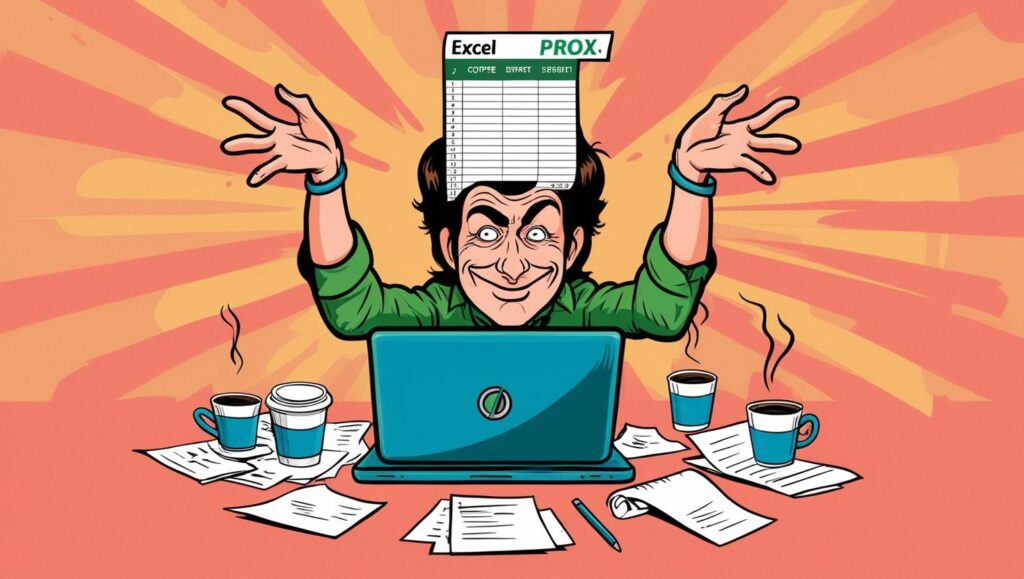
Congratulations, you’re now an Excel wizard.
Disclaimer
This article was formatted in Excel, but due to a mysterious formula error, it only appears as text. If you’re offended because you actually know how to use VLOOKUP, please pivot back to reality. Any resemblance to actual corporate geniuses is purely coincidental.
